


 English
 русский
+86-0559-5290604
What is an SFP module and how does it work in network connections?
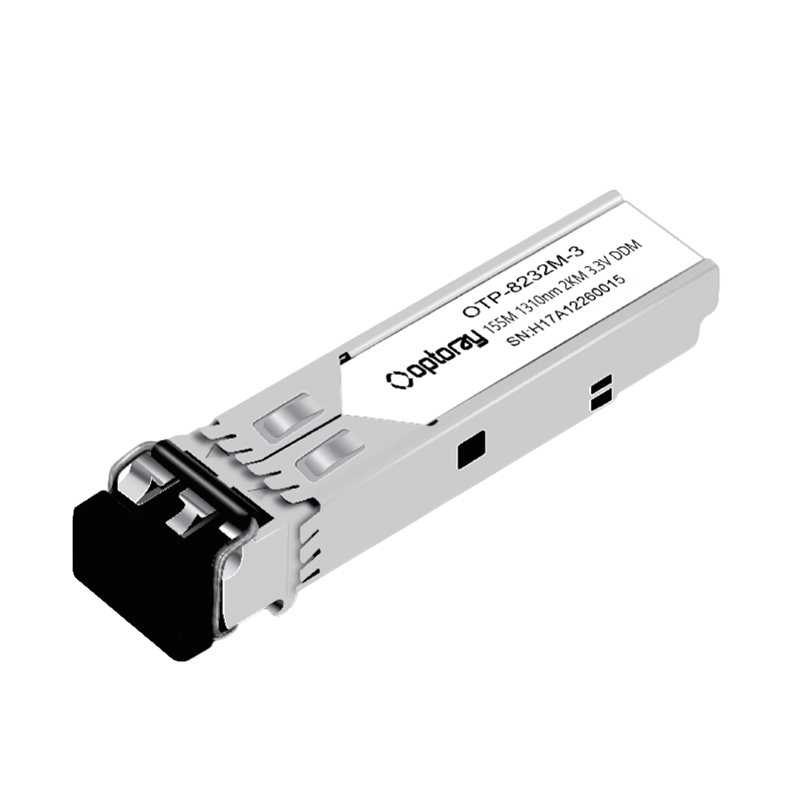
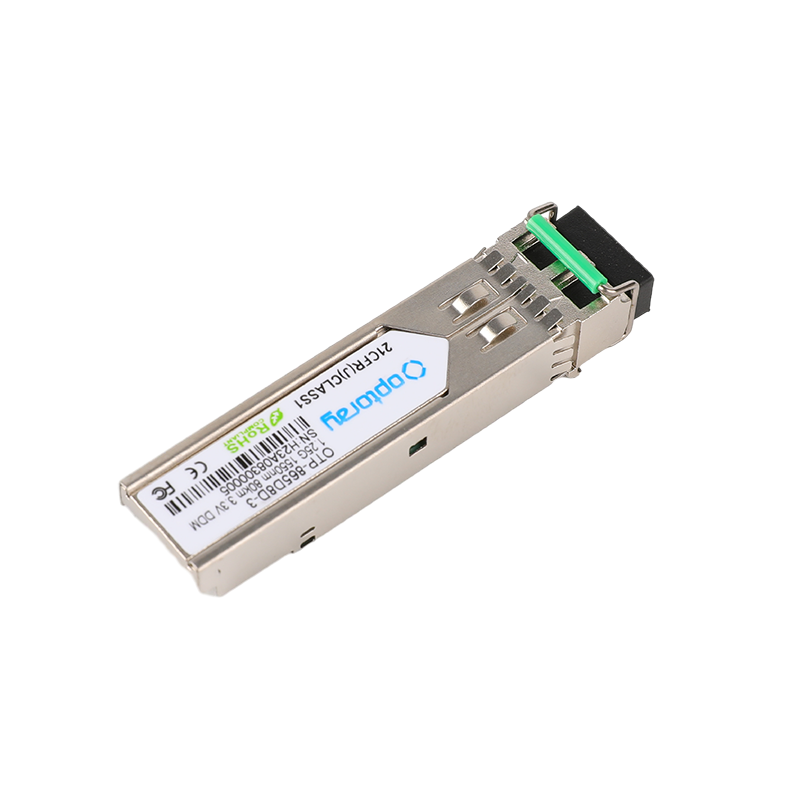
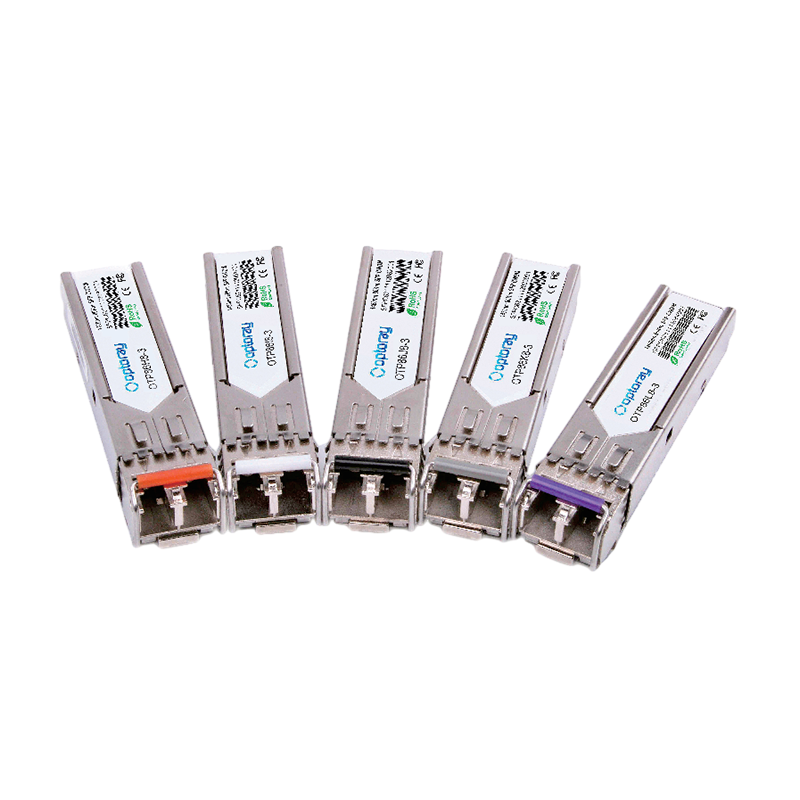
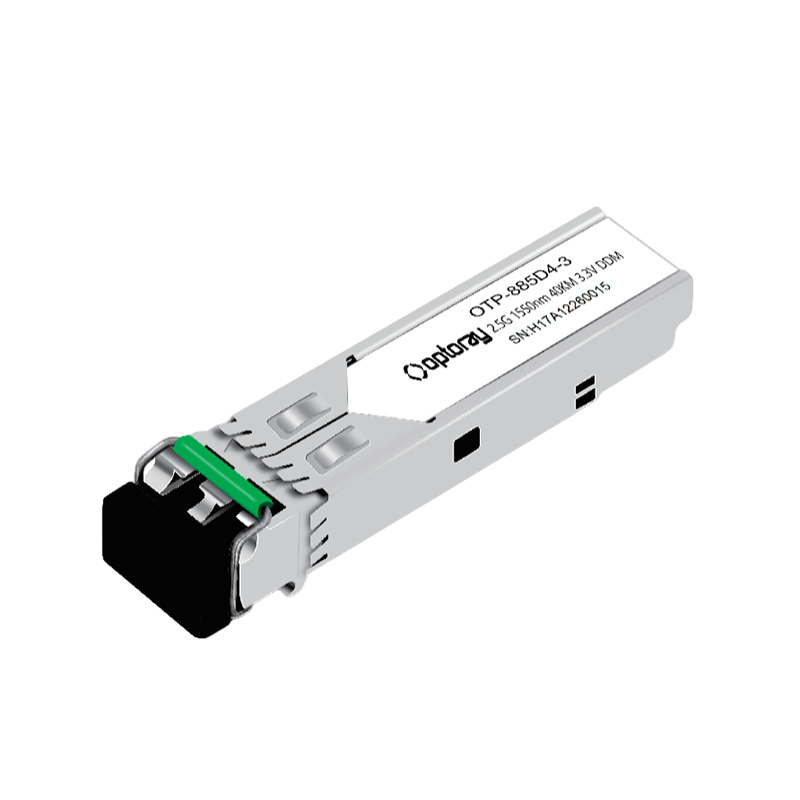
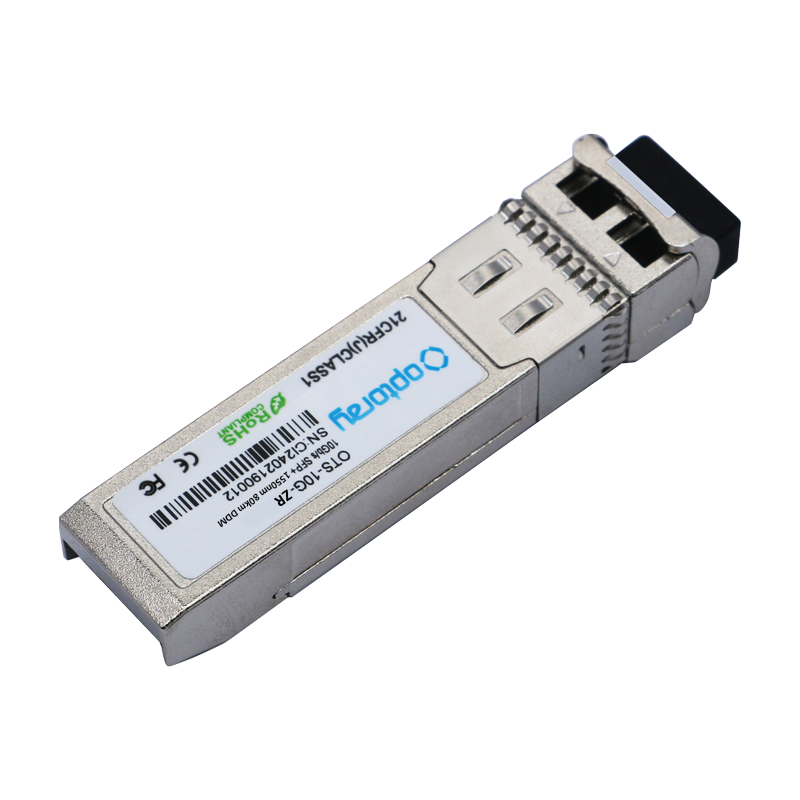
An SFP (Small Form-factor Pluggable) module is a compact, hot-swappable transceiver used in network switches, routers, and other equipment to connect fiber optic or copper cables. It converts electrical signals to optical (or electrical) signals, enabling data transmission over various media and distances. The bottom line: SFP modules are the universal interface standard for scalable, flexible network connectivity—used everywhere from enterprise data centers to telecom infrastructure worldwide.
What Is an SFP Module and How Does It Work?
SFP modules plug into a standardized SFP port (cage) on a host device. The module contains a laser transmitter and photodetector receiver, along with signal conditioning electronics. When data leaves the switch, the SFP converts the electrical signal into a light pulse (for fiber) or maintains it as an electrical signal (for copper). The receiving end performs the reverse conversion.
The SFP standard is defined by the SFF Committee (SFF-8472) and the Multi-Source Agreement (MSA), ensuring interoperability between modules and equipment from different manufacturers. This MSA framework is why a compliant third-party SFP module will physically and electrically work in a Cisco, Juniper, or Arista switch—though vendor firmware lock-in is a separate practical concern discussed below.
Key electrical interface parameters:
- Data rate: 100 Mbps to 4.25 Gbps (standard SFP); up to 10 Gbps for SFP+
- Operating voltage: 3.3 V
- Power consumption: typically 0.5–1.0 W for standard SFP; up to 1.5 W for SFP+
- Digital Diagnostic Monitoring (DDM/DOM): real-time reporting of temperature, voltage, TX power, and RX power
SFP Module Types: Fiber, Copper, and WDM Variants
SFP modules are not one-size-fits-all. The correct type depends on cable medium, transmission distance, and network protocol. The main categories are:
Multimode Fiber (MMF) SFP
Uses an 850 nm VCSEL laser. Designed for short-range connections—typically up to 550 m over OM2 fiber and up to 2 km over OM3/OM4. Common in intra-building or campus backbone links. Uses LC duplex connectors.
Single-Mode Fiber (SMF) SFP
Uses 1310 nm or 1550 nm lasers. Supports distances from 10 km (LX)** to **80 km (ZX) and beyond with amplification. The 1550 nm wavelength is preferred for long-haul due to lower fiber attenuation (~0.2 dB/km vs. ~0.35 dB/km at 1310 nm).
Copper SFP (RJ-45)
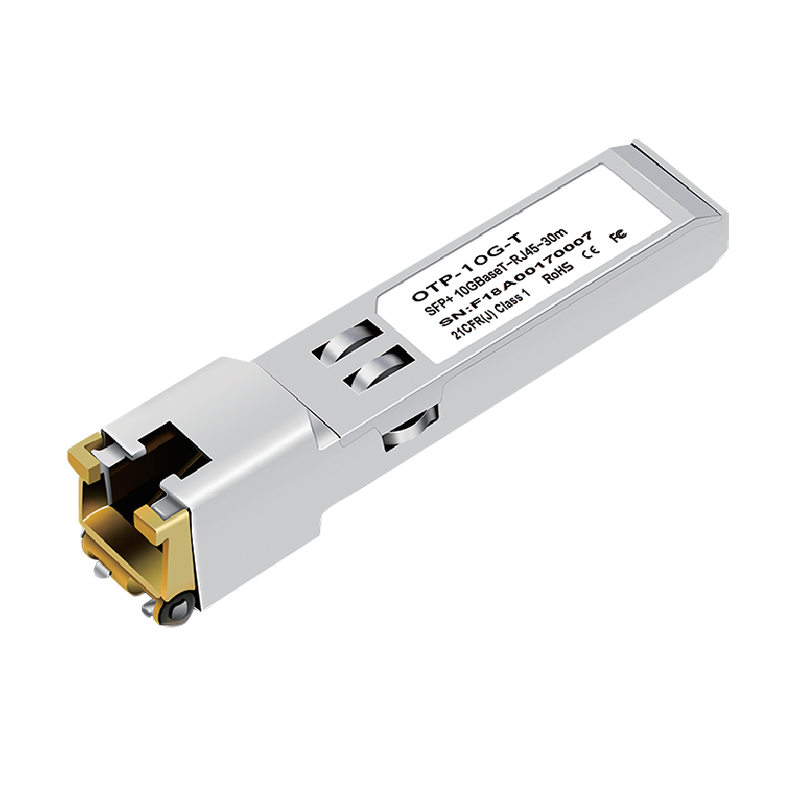
Converts SFP ports to 1000BASE-T copper Ethernet. Maximum reach is 100 m over Cat5e/Cat6 cable. Higher power consumption (~0.8–1.0 W) than fiber SFPs. Useful for connecting legacy copper-based devices to SFP-equipped switches.
BiDi (Bidirectional) SFP
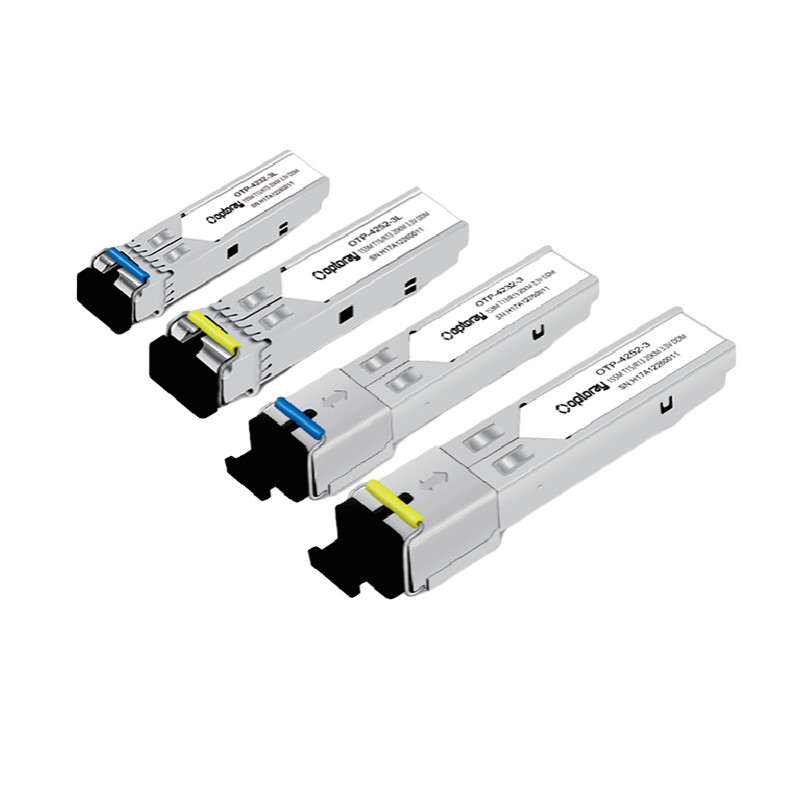
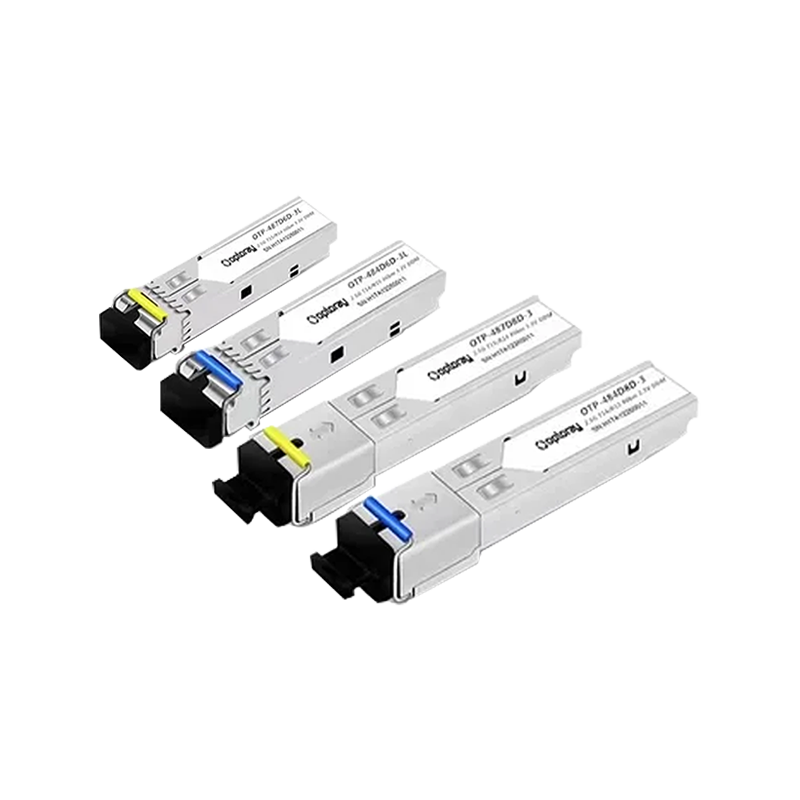
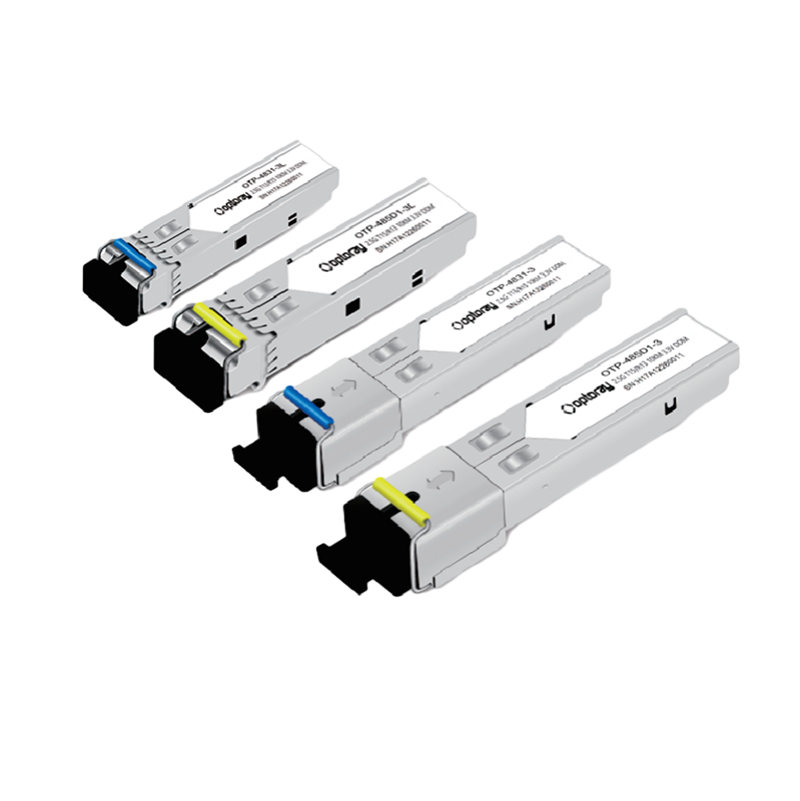
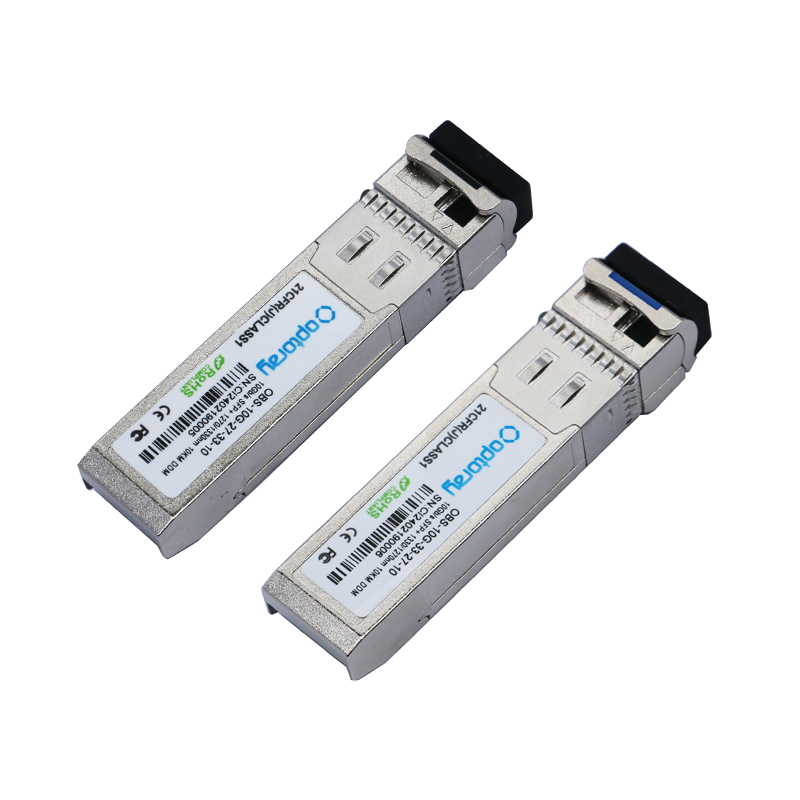
Uses WDM (Wavelength Division Multiplexing) to transmit and receive over a single fiber strand, using two different wavelengths (e.g., TX at 1310 nm / RX at 1550 nm). BiDi SFPs must be deployed in matched pairs. This halves the fiber infrastructure cost in point-to-point links—a significant saving in high-density or retrofit scenarios.
CWDM and DWDM SFP
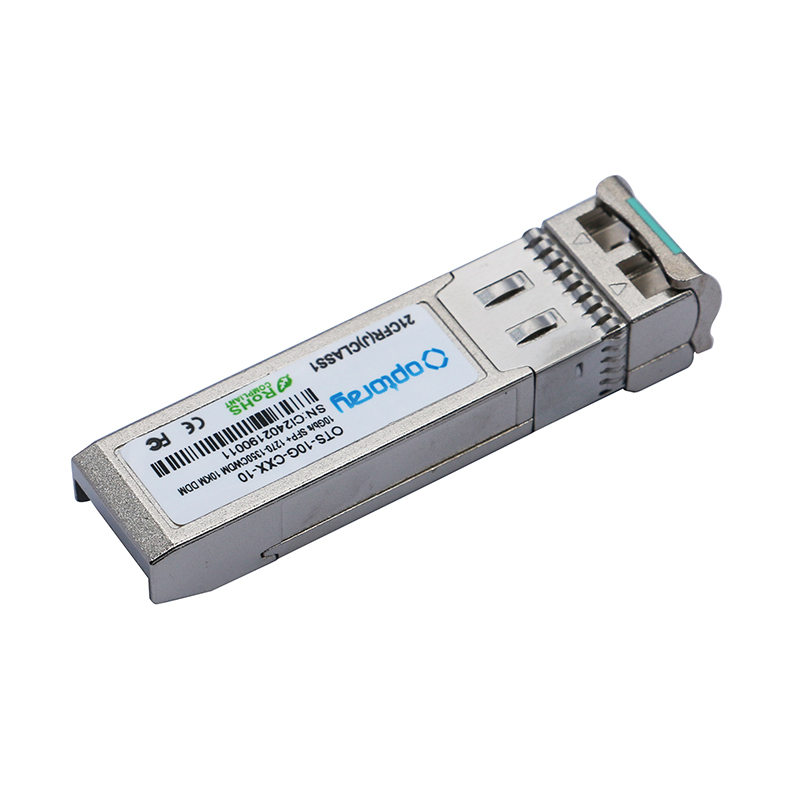
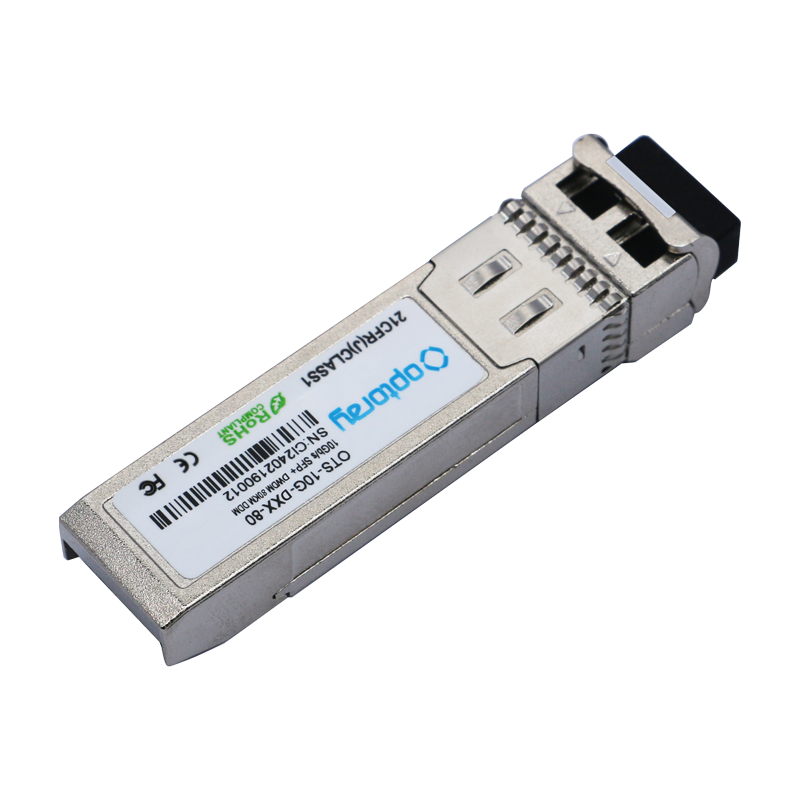
CWDM (Coarse WDM) SFPs operate on 18 standardized wavelengths between 1270–1610 nm (20 nm spacing), allowing up to 18 channels per fiber pair. DWDM SFPs use 0.8 nm channel spacing (ITU-T G.694.1), supporting 40, 80, or 96 channels on a single fiber—critical for long-haul carrier networks and metro Ethernet deployments.
SFP vs. SFP+ vs. SFP28 vs. QSFP: Understanding the Form Factor Family
The SFP form factor has evolved into a family of standards. Selecting the wrong variant for your switch port is one of the most common purchasing mistakes.
| Form Factor | Max Data Rate | Lanes | Typical Use Case | Backward Compatible With |
|---|---|---|---|---|
| SFP | 4.25 Gbps | 1 | GbE, Fast Ethernet, Fibre Channel | — |
| SFP+ | 10 Gbps | 1 | 10GbE, 8G/16G Fibre Channel | SFP (slot accepts both) |
| SFP28 | 25 Gbps | 1 | 25GbE server uplinks, 5G fronthaul | SFP, SFP+ (with negotiation) |
| SFP56 | 50 Gbps | 1 (PAM4) | 50GbE, emerging data center | SFP28 (physical slot) |
| QSFP+ | 40 Gbps | 4 × 10G | 40GbE switch uplinks | Different physical size |
| QSFP28 | 100 Gbps | 4 × 25G | 100GbE spine/core switching | QSFP+ (slot compatible) |
Note that SFP+ ports are physically backward compatible with SFP modules—a 10G SFP+ port can run a 1G SFP at reduced speed. However, an SFP module cannot be inserted into a QSFP port; these are entirely different physical formats.
SFP Module Reach and Distance: Matching the Module to the Link
Choosing the wrong reach specification is a costly mistake. Using a long-range (LR) module on a short link can cause receiver overload and link failure due to excessive optical power. Using a short-range (SR) module beyond its rated distance results in bit errors and link drops.
| Designation | Wavelength | Fiber Type | Max Distance | Typical Application |
|---|---|---|---|---|
| SX / SR | 850 nm | MMF (OM1–OM4) | 550 m (OM2) / 300 m (OM1) | Intra-rack / campus |
| LX / LR | 1310 nm | SMF (OS1/OS2) | 10 km | Inter-building / metro |
| EX / ER | 1310 nm | SMF | 40 km | Metro / regional |
| ZX / ZR | 1550 nm | SMF | 70–80 km | Long-haul / WAN |
| BiDi LX | 1310/1550 nm | SMF (single strand) | 10 km | Fiber-constrained links |
For LR modules used on short links (<2 km), insert an inline optical attenuator (5–10 dB) to prevent receiver saturation. This is standard practice in data center interconnect design.
OEM vs. Third-Party SFP Modules: Performance, Cost, and Risk
One of the most debated topics in network procurement is whether to use OEM-branded SFP modules (Cisco GLC-LH-SMD, Juniper EX-SFP-1GE-LX) or compatible third-party alternatives from vendors such as Finisar (now II-VI/Coherent), Lumentum, InnoLight, or FS.com.
Cost Difference
OEM SFP modules typically cost 3–10× more than MSA-compliant third-party equivalents. For example, a Cisco GLC-LH-SMD (1G LX SFP) lists at approximately $300–$500 USD, while a compatible third-party module with identical optical specifications retails for $15–$40 USD. At scale, this creates budget differences of tens of thousands of dollars per deployment.
Vendor Lock-In and Firmware Restrictions
Cisco IOS and NX-OS display a warning when a non-Cisco SFP is detected: "Warning: This product is not supported by Cisco and may not function correctly." In most cases, the module still operates normally. However, some Cisco platforms require the service unsupported-transceiver command to enable non-OEM modules, and certain high-end platforms (Nexus 9000 series) may enforce stricter restrictions depending on the software version.
Quality and Reliability Considerations
Reputable third-party manufacturers program correct EEPROM data (per SFF-8472), including vendor OUI, serial number, and DDM calibration—making them functionally indistinguishable from OEM modules at the protocol level. Industry experience in large-scale deployments (hyperscaler and colocation environments) consistently shows failure rates of <0.5% for tier-1 third-party SFP modules over 5 years, comparable to OEM rates. The risk is primarily in sourcing from unknown gray-market suppliers.
How to Select the Right SFP Module: A Practical Checklist
Before purchasing any SFP module, work through the following decision points in order:
- Identify the host port type: Confirm whether the switch or router has SFP, SFP+, SFP28, or SFP56 ports. Check the hardware datasheet—do not assume from port appearance alone.
- Determine required data rate: Match the module speed to the protocol—1G for GbE, 10G for 10GbE/8G FC, 25G for 25GbE server NICs.
- Measure or estimate link distance: Use cable plant records or OTDR measurements. Add 15–20% margin to account for connector losses and aging.
- Identify fiber type in the cable plant: Confirm whether installed fiber is multimode (OM1/OM2/OM3/OM4) or single-mode (OS1/OS2). Mixing fiber type with module type is a common and costly error.
- Check connector type: Most SFP modules use LC duplex connectors. BiDi and some specialty modules use LC simplex. Ensure patch cable connectors match.
- Verify DDM/DOM support if needed: For network monitoring and predictive maintenance, confirm the module supports Digital Diagnostic Monitoring per SFF-8472.
- Confirm vendor compatibility: If using a locked platform (certain Cisco, HPE Comware, or Huawei devices), verify that third-party modules are supported or that the platform can be configured to accept them.
Troubleshooting Common SFP Module Problems
SFP module issues are among the most frequent causes of fiber link failures in production networks. The most common problems and their resolutions are:
Link Not Coming Up
- Verify TX/RX fiber pair is not reversed (swap the two fiber strands at one end)
- Clean fiber connectors with a certified fiber optic cleaner—contamination accounts for over 50% of fiber link failures according to field data
- Confirm that both ends use the same wavelength and fiber type
- Check DDM RX power readings; if below −30 dBm, suspect excessive link loss or wrong module type
High Bit Error Rate (BER)
- Check DDM TX output power—if significantly below spec (e.g., >3 dB below rated minimum), the laser is degrading, and the module should be replaced
- For LR modules on short links, verify an attenuator is in place; receiver overload causes BER even when RX power appears "high."
- Inspect fiber for bends tighter than the minimum bend radius (typically 30 mm for SMF)
Module Not Recognized by Switch
- On Cisco IOS: issue
service unsupported-transceiverand reload if needed - Verify EEPROM data integrity—use
show interfaces transceiveror equivalent to check vendor ID and DOM fields - Reseat the module; SFP cage contacts can fail to engage if the module is not fully inserted and latched
SFP Module Applications Across Industries
SFP modules are deployed across virtually every industry that relies on digital connectivity:
- Data centers: Server-to-ToR switch connections (typically 10G SFP+ SR or DAC), spine-leaf uplinks (25G/100G), and storage area network (SAN) connectivity via Fibre Channel SFPs
- Telecom/carrier networks: DWDM SFPs for metro and long-haul transport; SFP+ in DSL access multiplexers (DSLAMs) and OLTs for fiber-to-the-home (FTTH) deployments
- Enterprise campus networks: GbE SFP modules connecting building distribution switches over existing single-mode campus fiber infrastructure
- Industrial and utility networks: Hardened SFP modules rated for −40°C to +85°C operating temperature for SCADA, power grid protection relays, and industrial Ethernet applications
- 5G mobile networks: SFP28 and QSFP28 modules for fronthaul (RRU to DU) and midhaul/backhaul transport in disaggregated RAN architectures



Mobile Web
Quick Links
Products
Get in Touch
-
 Phone: +86-186 5596 6697
-
 E-mail: [email protected]
-
 Add:No.4 PiYun Road, Huangshan Economic Development Zone, Huangshan City, Anhui Province, China.
Copyright © Huangshan Optoray Communication Corp., Ltd. All rights reserved.
China SFP Transceiver Module Manufacturers


